Point of sale
Build the sale, charge, and hand over the receipt.
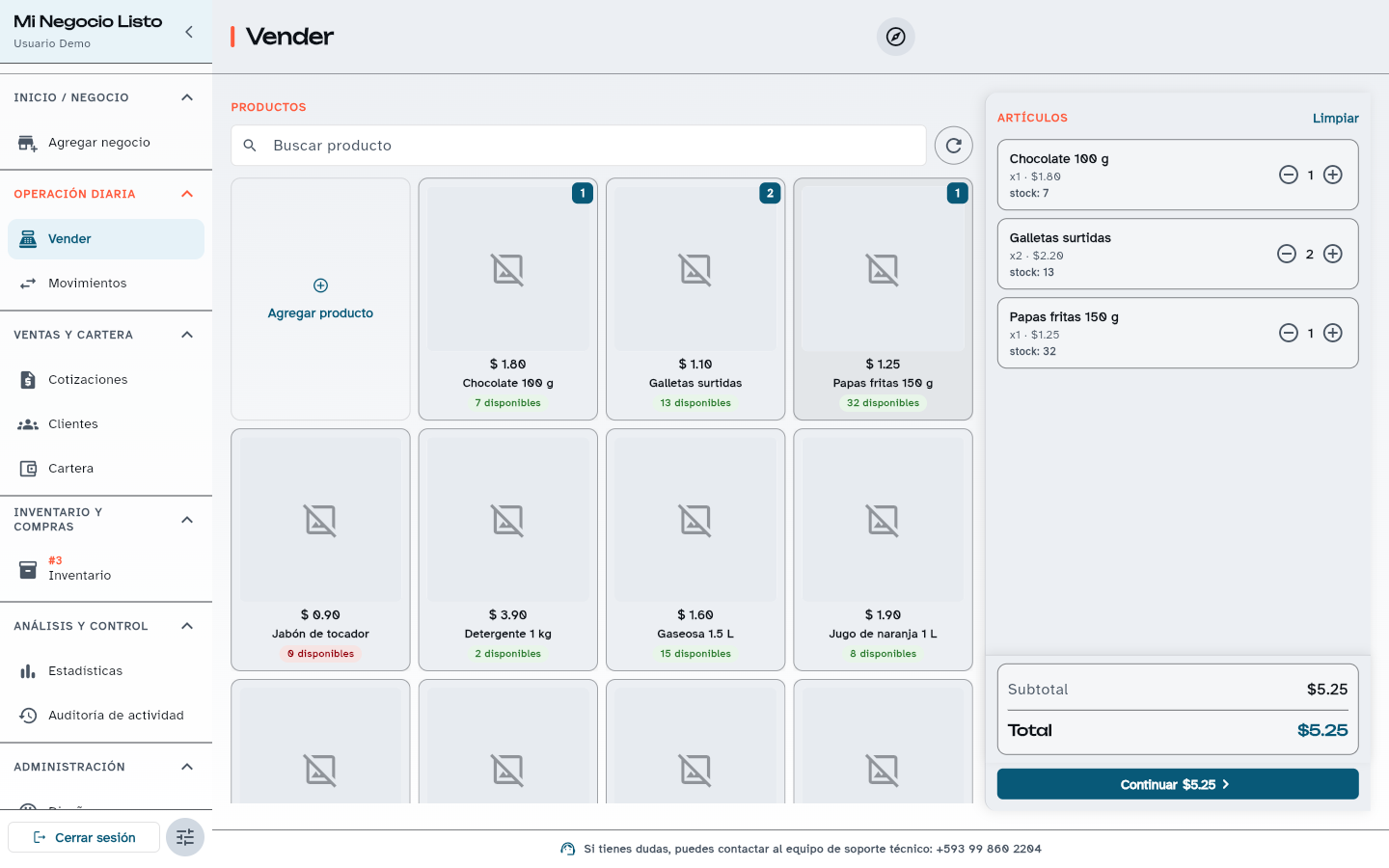
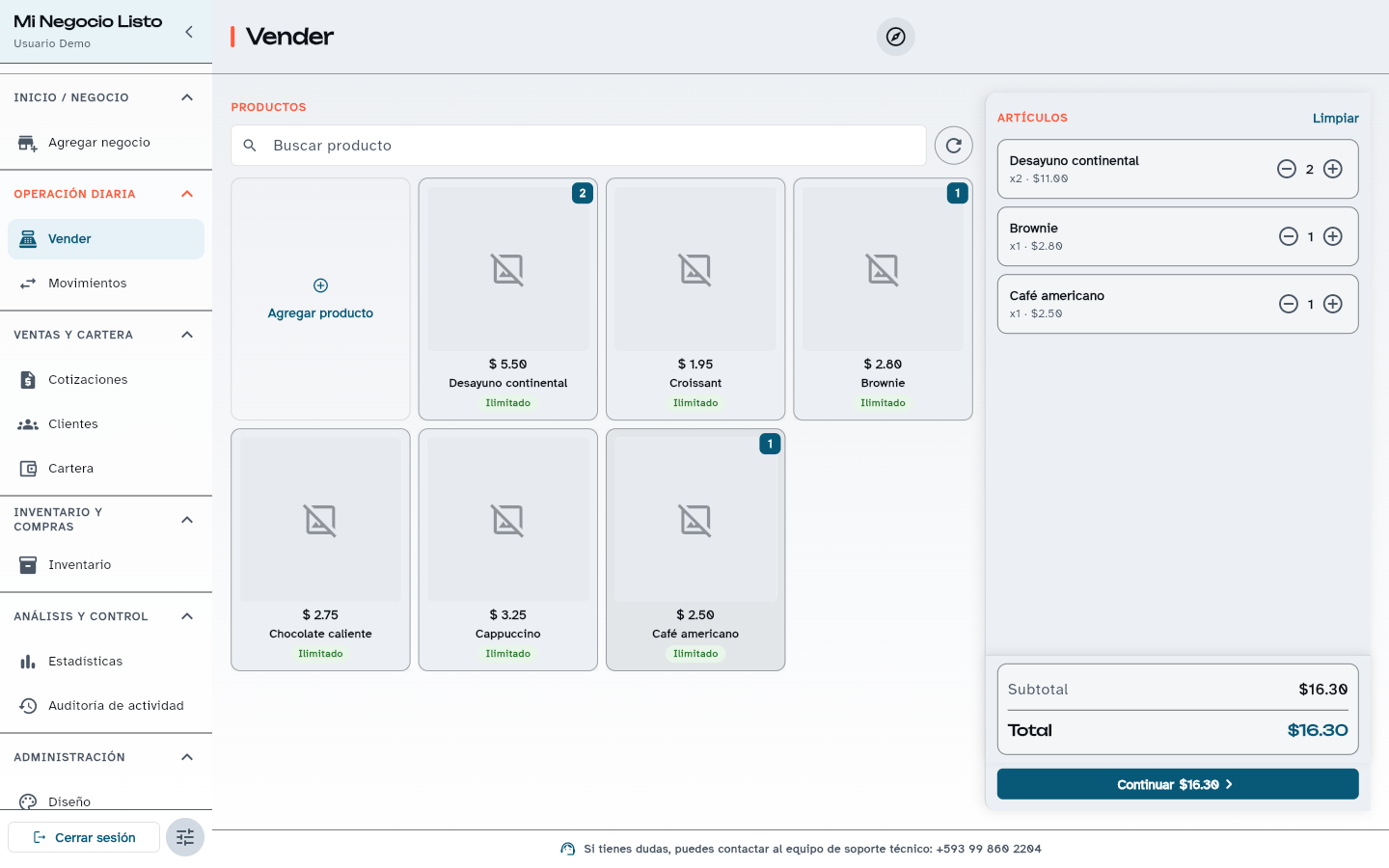
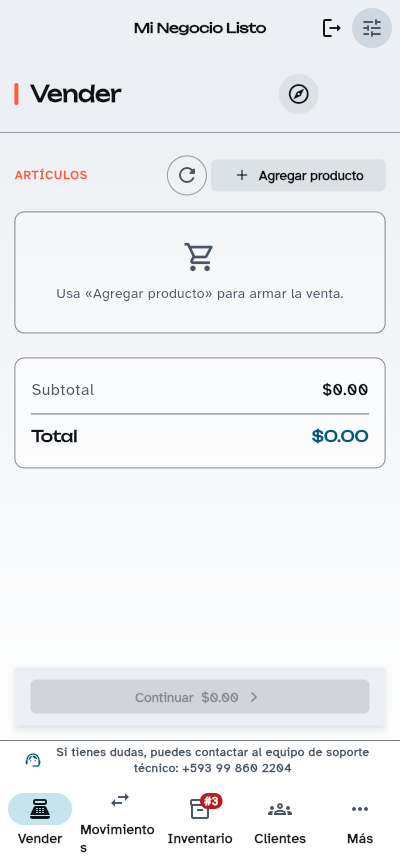
The Sell screen shows your products on the left and the sale items on the right. Pick items, adjust quantities, and charge with the payment method your customer uses.
The problem
Writing sales in a notebook or on a calculator means stock never matches, prices vary depending on who is serving, and at the end of the day nobody knows how much was sold.
How it works
- 01
Search or tap products to add them to the sale.
- 02
Optionally choose the customer and the payment method: cash, card, bank transfer, QR, Payphone, other, or credit.
- 03
Print the thermal ticket, download the PDF, or share the receipt link.
Practical benefits
- Every sale deducts stock automatically.
- Credit sales with weekly, biweekly, or monthly installments.
- Returns are recorded and visible in movements.
- Works in the browser and in the Android app.
Included from the plan
Free
USD 0/mo
Selling is in every plan. Thermal printing is part of All-inclusive.
See plansHow to try it
Create your free account: every new business gets 30 days with every module and no limits.
Related questions
Yes. You can record a credit sale, with weekly, biweekly, or monthly installments, and then log payments. In Receivables you see what each customer still owes.
Sales recording, payment with different methods, history, and cash movements for day-to-day operations. You can print the receipt on a portable or fixed thermal printer, download it as PDF, or share it. You also work with customers, quotes, and inventory.
Receipts are generated for 58 mm and 80 mm thermal paper and configured in Settings → Printing (Bluetooth or USB). Thermal printing is part of All-inclusive.
Open your register today.
Create your free account and record your first sale in minutes. If you would rather get guidance for your business type and number of stores, message us.